Drop image anywhere
Enhance Photo Quality Online With AI
Drop an image or Ctrl + V to paste image
Max input 10MB
png
jpg
webp
heic
avif


How to enhance photos in 4 easy steps
1. Upload your images
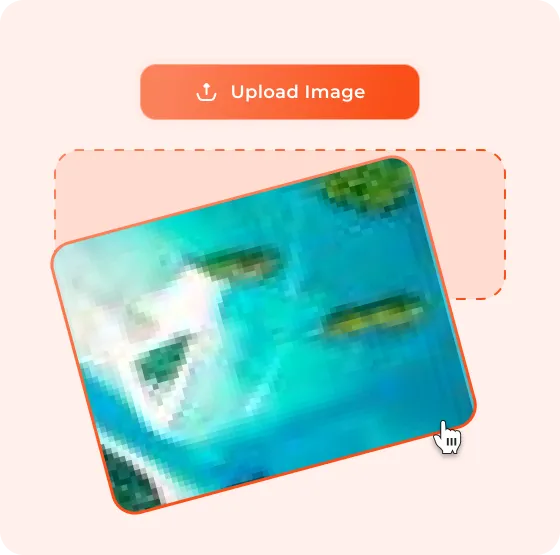
Drag & drop or paste them directly on dewatermark.ai.
2. AI automatically enhances the resolution
Our smart model sharpens details and restores clarity.
3. Opt for your preferable upscale size
Choose up to 5600px for the highest quality output.
4. Download
Get crystal-clear, HD images ready to share or use anywhere.


AI That Enhances Without Overdoing It
Supercharged Clarity
Bring back the details that got lost. Our AI sharpens edges, enhances textures, and restores the natural crispness that low-quality or watermark remover might blur.


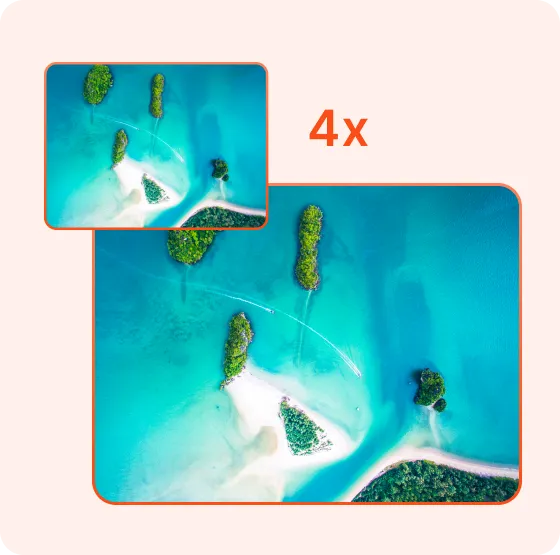
2x or 4x Upscale — You Choose
Want HD or ultra-HD? You’re in control. Choose between 2x or 4x enhancement depending on how sharp you want your image to be.

Naturally Enhanced, Not Overdone
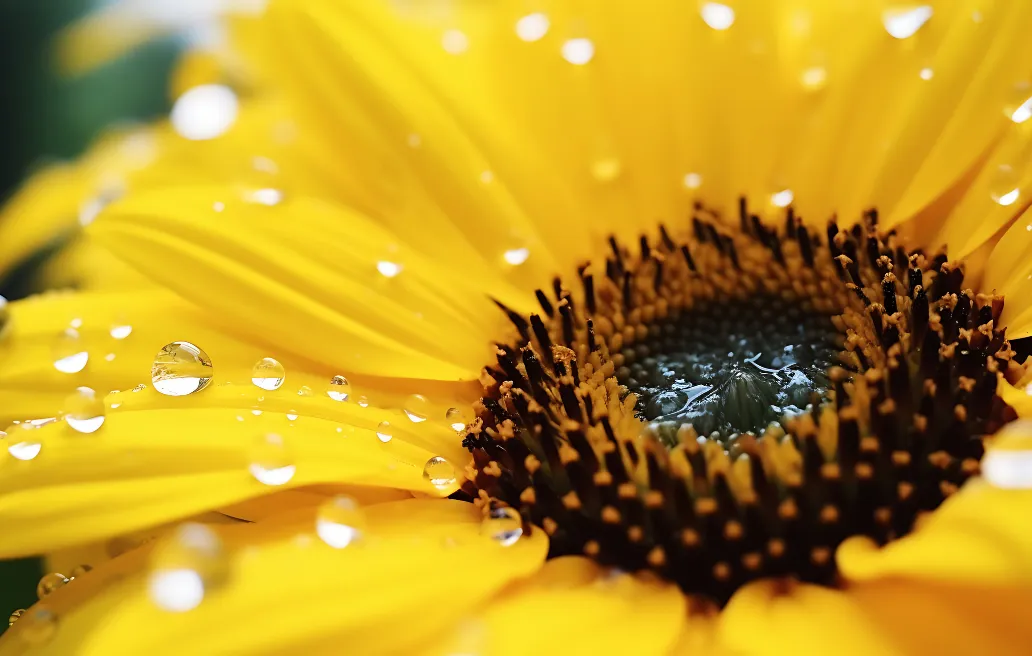
No plastic faces or fake sharpness here. Our photo enhancement tool was trained on millions of real images, so results look clean and true-to-life — never artificial.
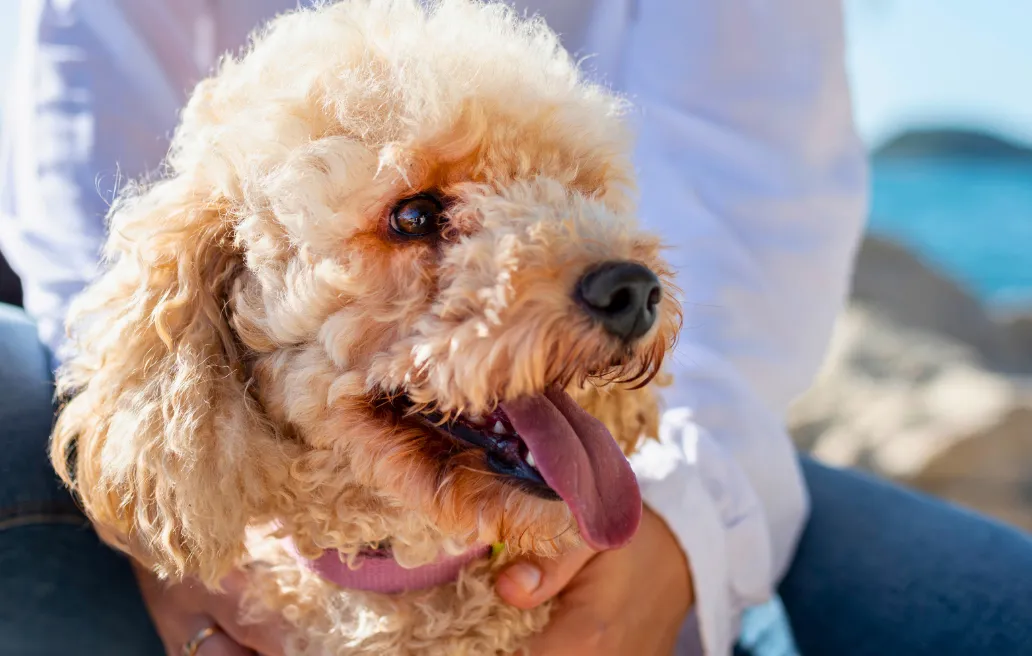
Perfect Match After Watermark Removal
Sometimes removing a watermark leaves soft spots or smudges. Enhance Photo intelligently fills in the lost details, restoring balance and depth. Every photo deserves its best version.
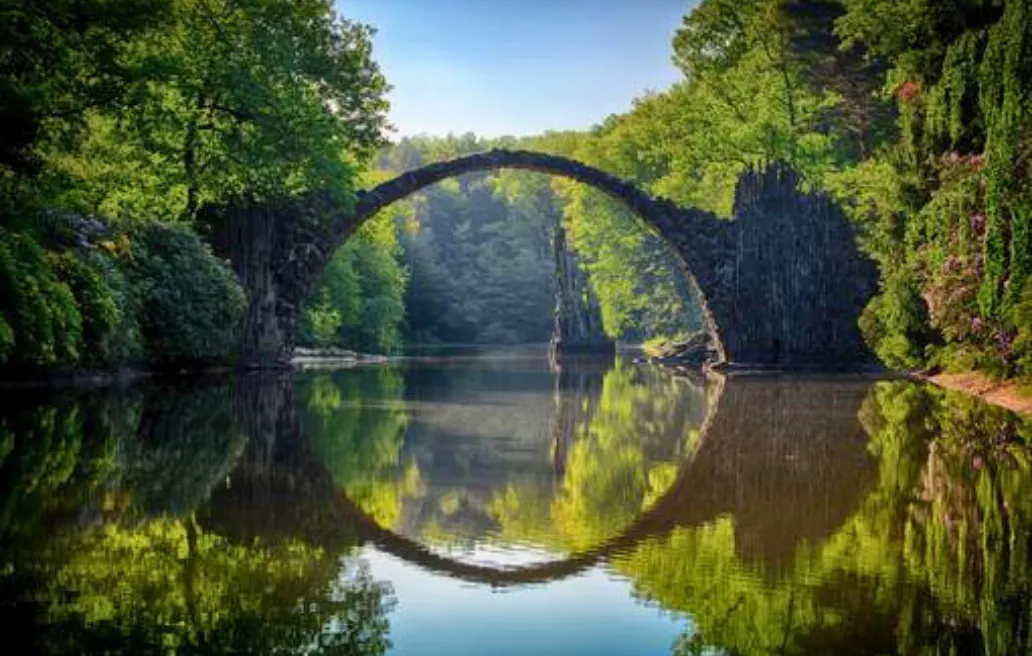
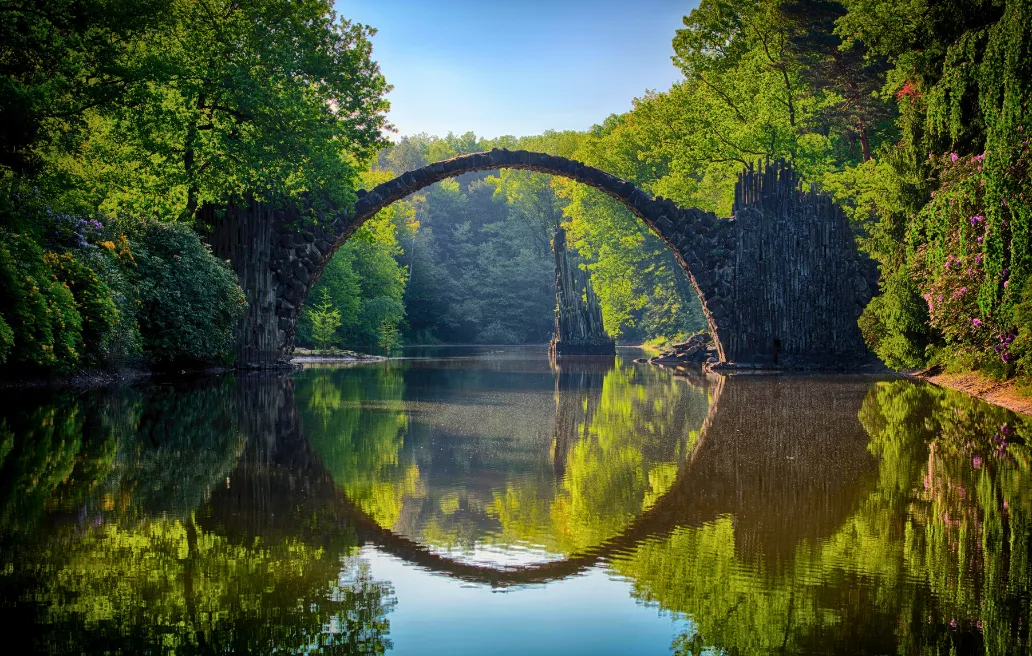
Fully Auto by AI
No sliders, no manual tweaks. Just upload, click Enhance, and let AI do the heavy lifting — all in seconds.Made for Creators
Photographers, designers, and marketers use this to polish images for portfolios, social media, or campaigns without losing authenticity.Smooth Editing Flow
Use it right after watermark removal — no need to switch tools. Enhance Photo is built right inside dewatermark.ai for your convenience.Fair Credit Pricing
Enhancement isn’t free, but it’s affordable. Each use costs 2–4 credits depending on your chosen quality level — transparent and fair.
What people say about Dewatermark photo enhancer
FAQs About the Enhance Photo Feature
Stuck something - we're here to help.
It increases your image quality, sharpness, and clarity using AI — especially helpful after watermark removal.
Yes, you can enhance any photo, any AI-generated image, even if you don’t use the watermark remover. Upload or drag and drop any photos from your device.
Yes! The process for enhancement is completely automatic. Just click “Enhance” and the AI does the rest — no manual adjustments required.
Absolutely. You can pick between 2x and 4x upscaling based on your needs. The max resolution for 2x upscale is 2400px and for 4x upscale is 5600px. However, we recommend using the upscale feature only for low-quality images
Yes. It costs between 2–4 credits per use, depending on the output quality.
Enhance Photo works best on JPG, PNG, AVIF and WebP formats.
Usually just a few seconds — depending on your internet speed and output size.
Yes! The feature works smoothly on all devices — desktop or mobile.