Download Watermark Remover App For PC


Get Dewatermark App
Dewatermark watermark remover application is available on Apple & Android store. Give it a try!


The Pro Dewatermark Software for Your PC
Faster and stable removing watermark
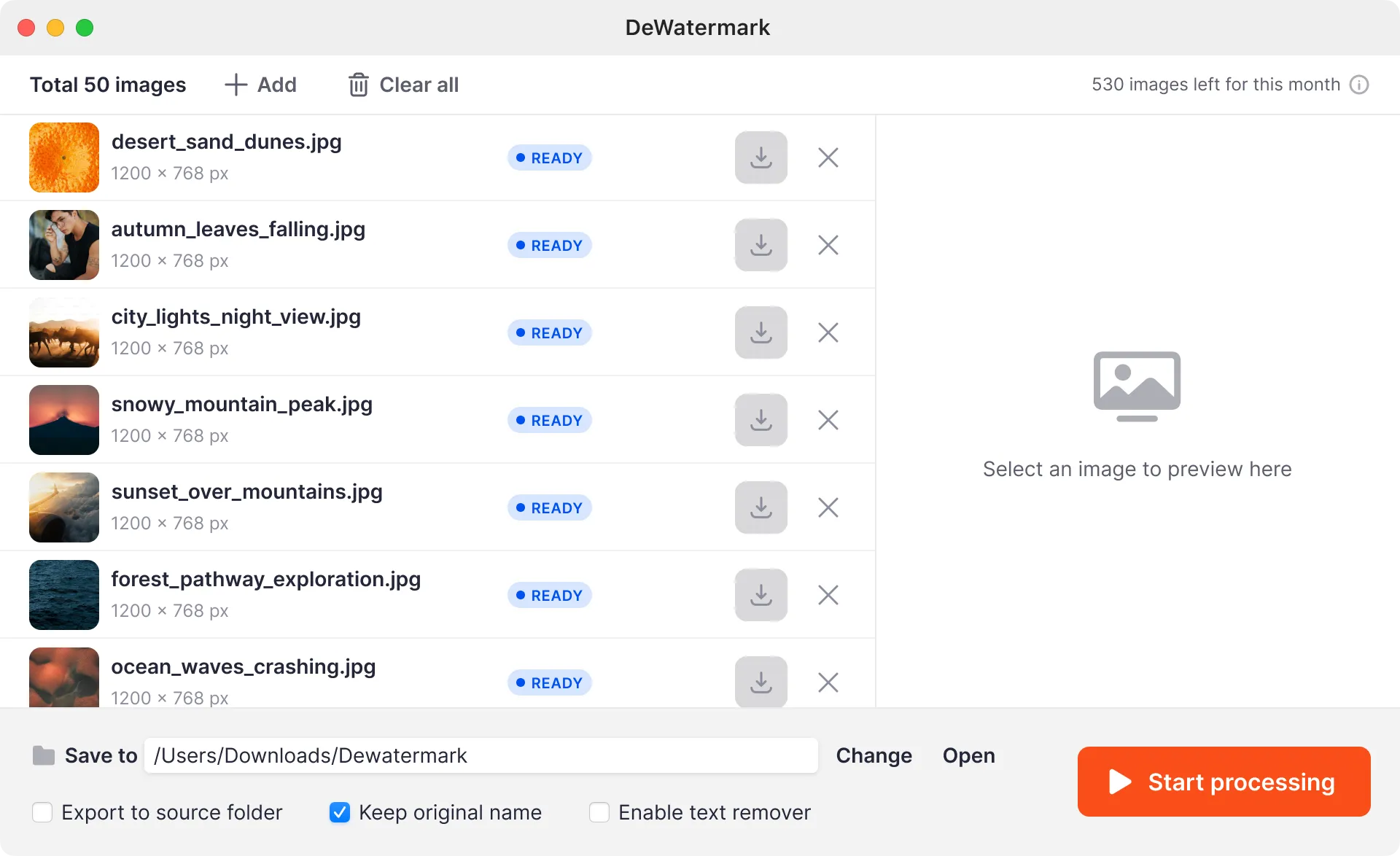
No more worrying about slow online uploading and processing times with the efficient watermark removing software. The Dewatermark app on Desktop is faster and smoother than ever.


Advanced Control and Customization
On the desktop app, you still use AI to remove watermarks automatically, retain manual editing features like removing text and enhance images.


Work on both Windows and Macs
The watermark remover app for pc works on all Windows 7,8,9,10,11 and all versions of MacOS. Easy to install and 100% safe to use


Intelligent AI
Dewatermark for PC intelligently detects and removes watermarks with advanced AI.Batch processing
Save time by processing up to 50 images at once, perfect for bulk editing.Format Support
Work with virtually all popular image formats (JPEG,JPG, PNG)Powerful Editing
The app PC is also integrated with editing tools like removing text, enhancing images and more.
What people have to say about DeWatermark.ai
Frequently Asked Questions
Stuck something - we're here to help.
Download, install, and log in to Dewatermark. Add your picture(s), press "Process," and then save the clean image(s) to your chosen folder.
Installing Dewatermark on your PC is hassle-free. We recommend ensuring your PC has sufficient free disk space to accommodate the application and the images you'll be processing. This will help ensure smooth and efficient operation.
No, you can’t use the watermark remover app for free. Access requires a Dewatermark Pro account with credits. Your Pro credits work seamlessly across web and desktop.
No, you can not. An active internet connection is necessary for the Dewatermark PC app to connect with our processing servers.
Note that all features of Dewatermark are retained the same across the web and PC applications. However, the desktop app offers enhanced speed by using your computer's resources, improved security for local processing, and is ideal for professional workflows.