Drop image anywhere
PDF Watermark Remover
Use this tool only with PDFs you own, created yourself, or are authorized to edit. You are responsible for ensuring watermark removal complies with copyright and other applicable laws.
Try image watermark remover
Best PDF Watermark Remover
Dewatermark automatically detects and erases watermarks from PDF documents: no editing skills, no desktop software required. Unlike tools that convert PDF pages to images and lose text quality, DeWatermark preserves the original PDF layout, fonts, and resolution after removal. Upload your PDF, preview the first page free, then process the full document in one click.
How to remove watermark from PDF files
1. Upload the PDF file
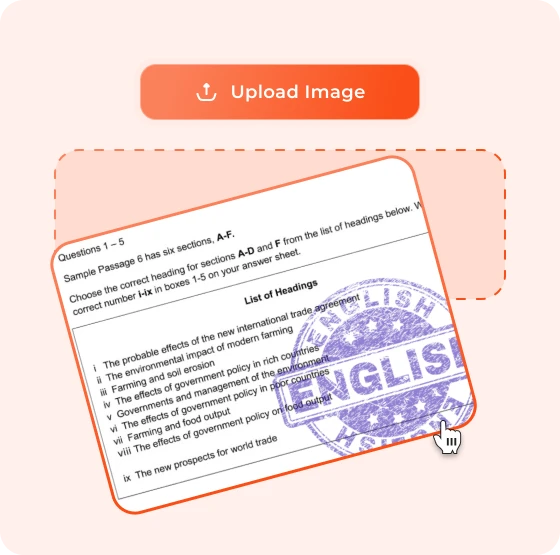
Drag and drop or click to upload your PDF. Supports files up to 50MB. No account required. Sample PDF files are available if you want to test the tool first.
2. Preview the First Page Free
Click 'Get 1st Page' to remove the watermark from the first page of your PDF at no cost. No credits required for the preview. Check the result like font clarity, layout integrity, image quality before processing the full document.
3. Remove Watermarks from All Pages
Click 'Get Full' to remove watermarks from every page in the document automatically. DeWatermark's AI scans each page, detects the watermark layer, whether background or foreground, and removes it while keeping text, images, and layout intact.
4. Download your clean PDF
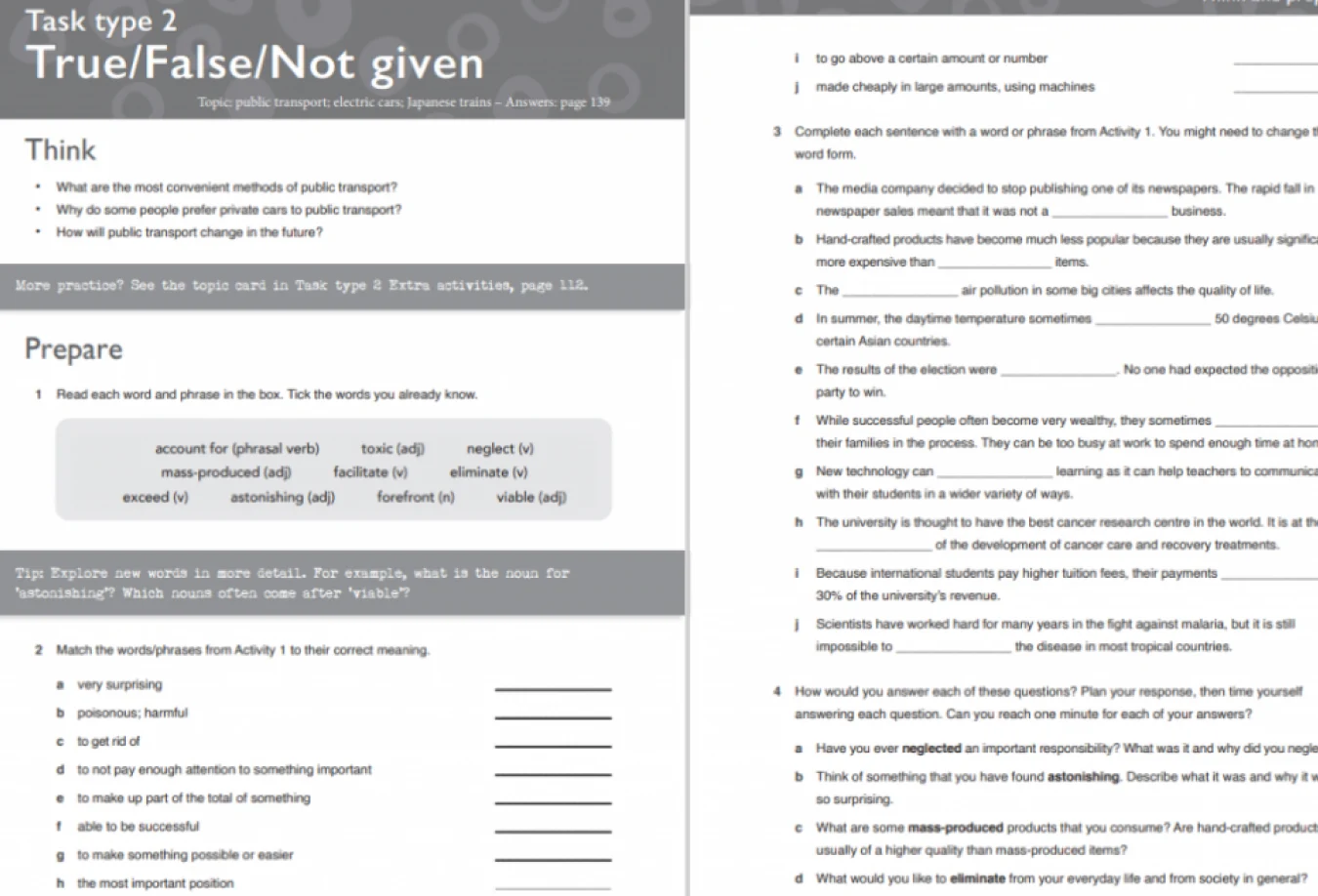
Download the watermark-free PDF instantly. The output file preserves the original resolution, fonts, margins, and image placements, ready to share, print, or submit.


Get mobile app
Dewatermark.AI app is available on Apple Store. Our app has been used to enhance photos by users around the world.


Types of Watermarks We Can Remove from PDF
Remove Text Watermarks from PDF
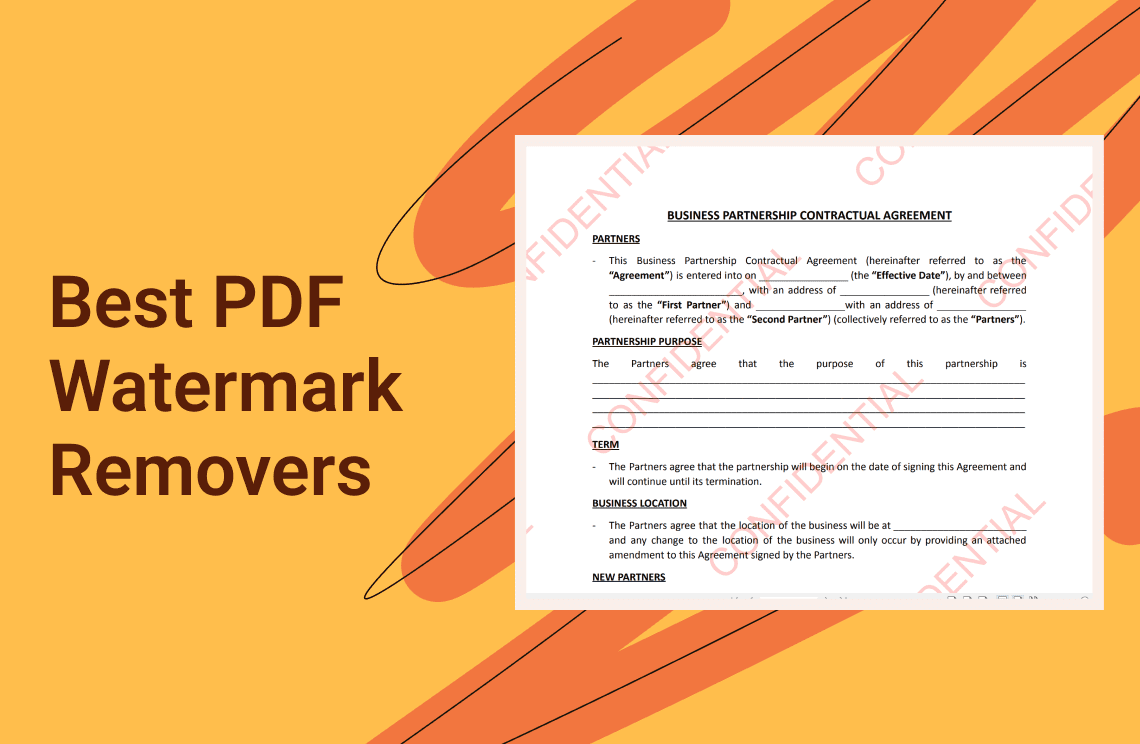
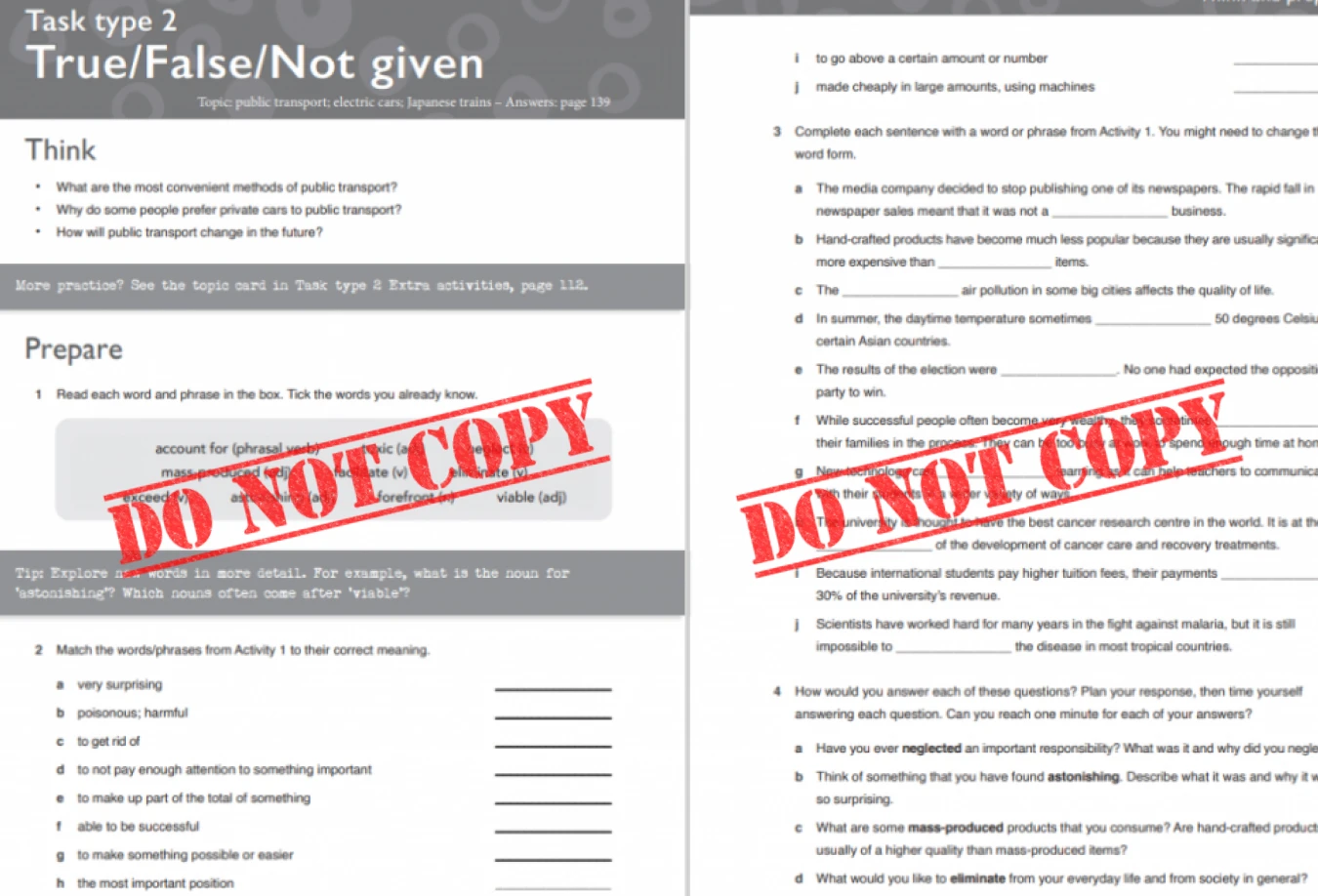
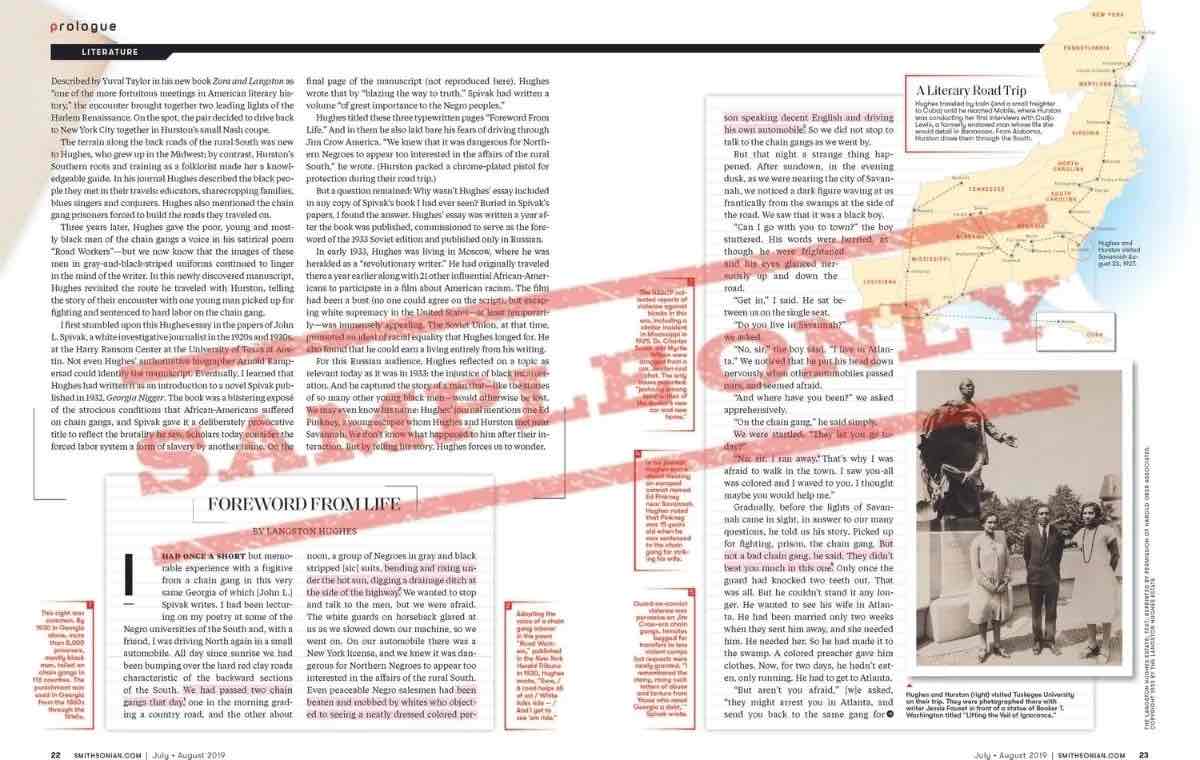
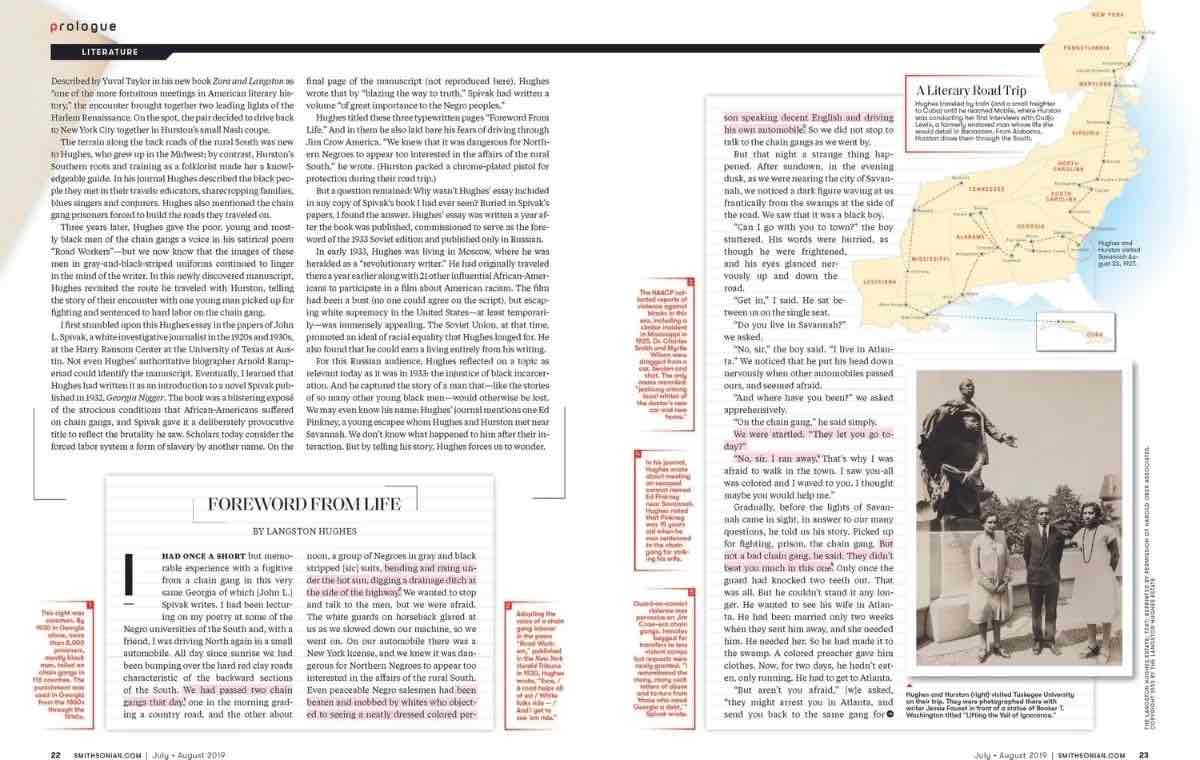
Text watermarks like 'DRAFT', 'CONFIDENTIAL', 'SAMPLE', 'DO NOT COPY' are often layered in a PDF file to protect the business documents, contracts, and report drafts. DeWatermark detects the text layer and removes it cleanly, leaving the underlying document text and images untouched. The result is a clean, professional document ready for sharing or submission
Remove Logo Watermarks from PDF
Brand icons, company marks, or publisher symbols are also embedded in PDF files, usually in a corner or centered behind the content. Common in branded report templates, licensed documents, and publisher-protected e-books. DeWatermark isolates the logo layer and removes it, restoring the page area beneath without distorting surrounding text or images.
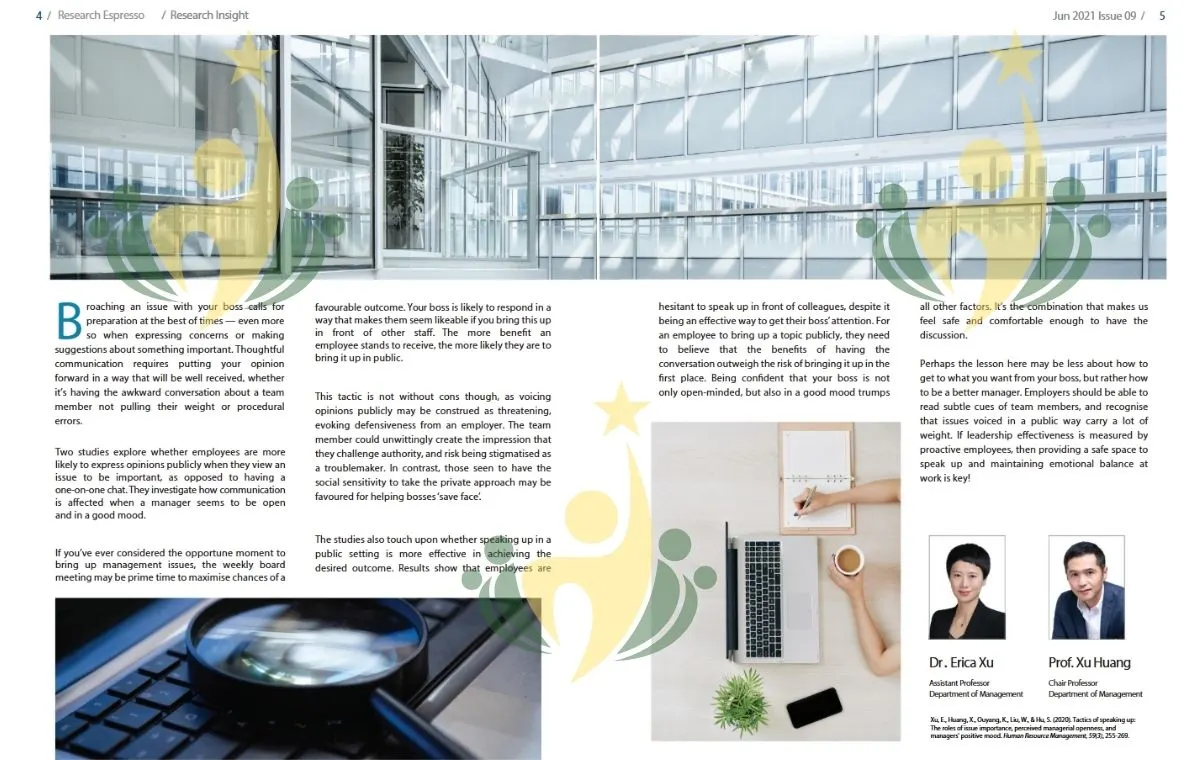
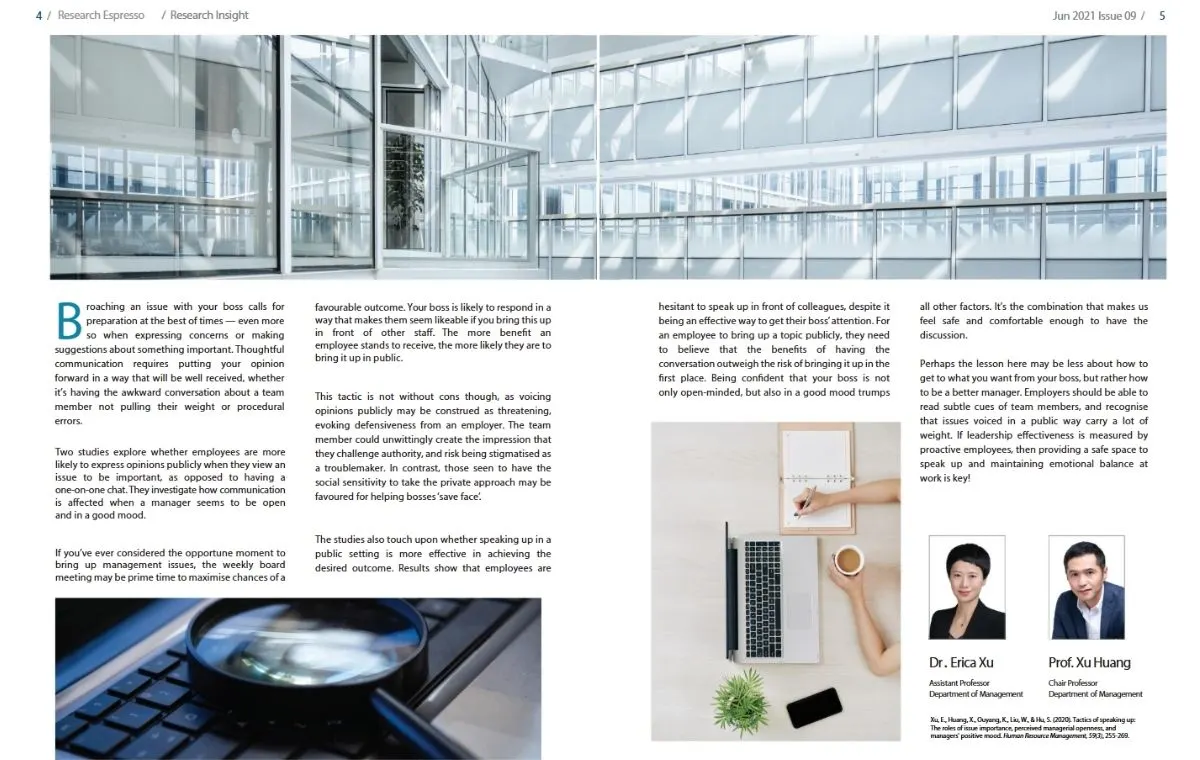
Remove Diagonal Watermarks from PDF
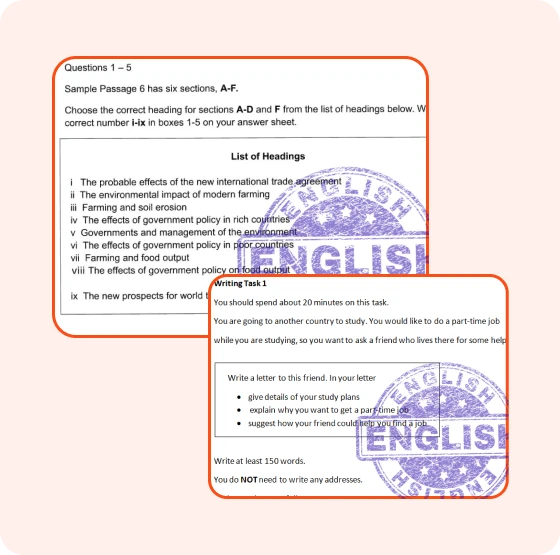
Diagonal watermarks repeat text at an angle across the entire page surface, overlapping document content and making the file difficult to read or present. Used heavily in proof copies, draft submissions, and watermarked template files. DeWatermark scans the full page for the repeating diagonal pattern and removes each instance, restoring the original content beneath.


Remove Transparent Watermarks from PDF
Transparent or low-opacity watermarks sit beneath document content at near-invisible opacity, easy to overlook on screen but clearly visible when printed or projected. Common in study materials, research PDFs, and licensed content. DeWatermark detects faint watermark layers across all pages and removes them without altering the visible document text or images above.
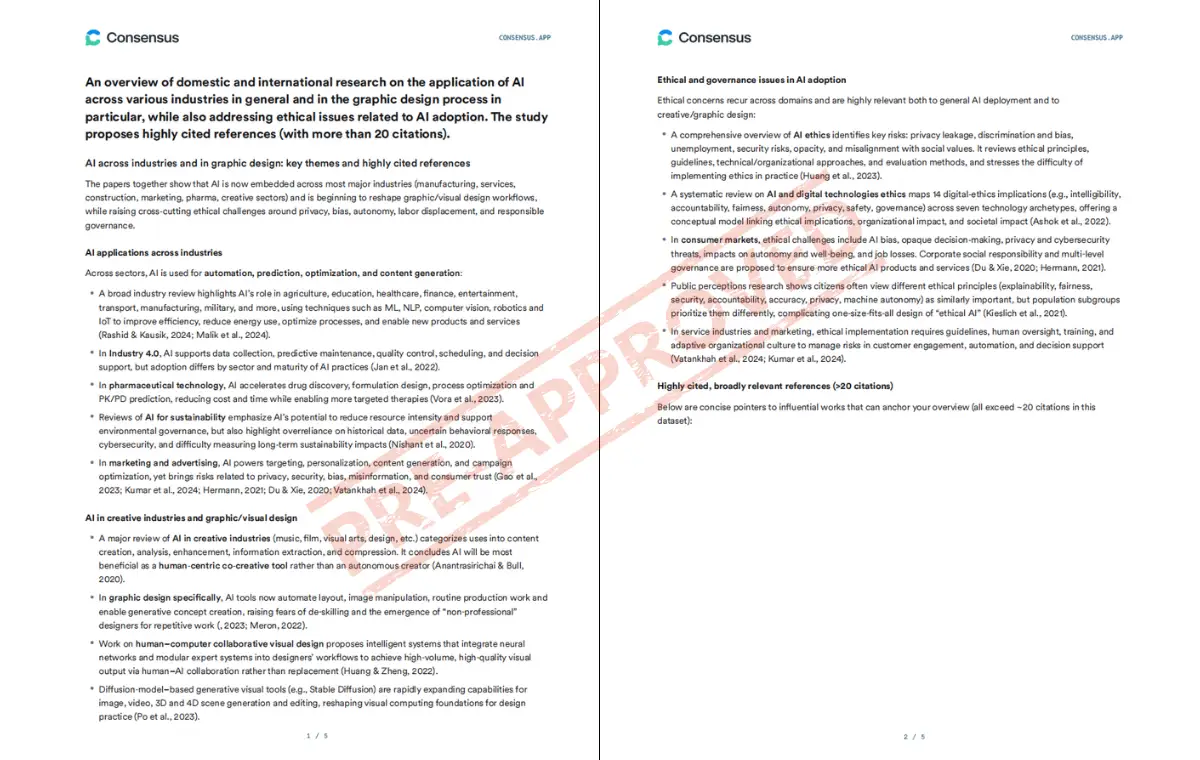
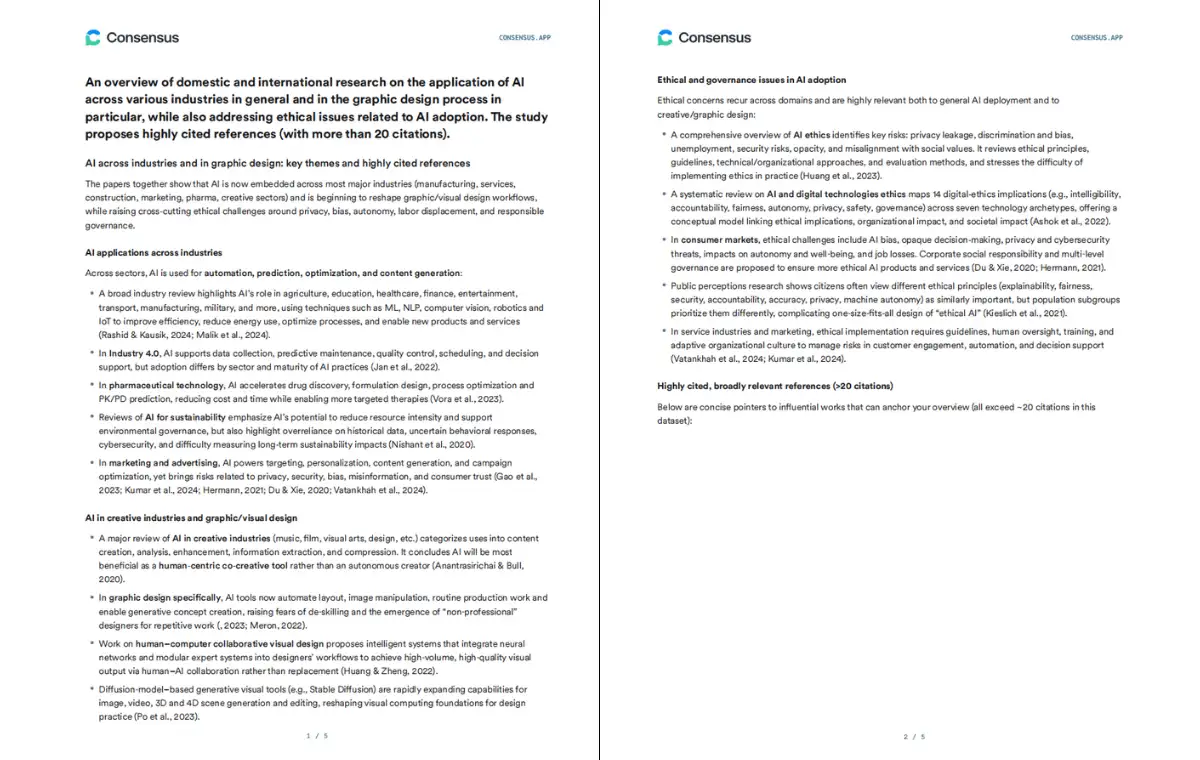
Fast PDF Watermark Removal Powered by AI
Most PDF watermark removers convert pages to images before processing: degrading text sharpness and breaking the document structure. DeWatermark works directly on the PDF layer, preserving fonts, margins, and image placements.
AI Detects and Removes Watermarks Automatically
DeWatermark's AI scans every page of your PDF and locates the watermark layer without any input from you. It handles both foreground watermarks placed on top of content and background watermarks embedded beneath, detecting and removing each type in a single automated pass. No brushing, no highlighting, no page-by-page manual work required.
Processes All Pages in Seconds: Fonts and Layout Intact
DeWatermark processes every page of your PDF in seconds, not minutes. Unlike desktop software that requires opening, editing, and exporting each page separately, DeWatermark handles the entire document in one click. The output PDF retains the original fonts, margins, table structures, and image placements — text stays selectable and searchable after removal.
Preview the First Page Free: Pay Only When You Are Satisfied
Before any credits are charged, DeWatermark removes the watermark from your first PDF page for free. Check font sharpness, layout accuracy, and image clarity in the result. If the output looks good, process the full document. No other AI PDF watermark remover lets you verify quality before paying.
Safe for Confidential Documents: Files Deleted After Download
DeWatermark does not store, share, or publish uploaded PDF files. All documents are deleted from servers immediately after download — making it safe for business contracts, legal files, financial reports, and any confidential PDF. All transfers use HTTPS encryption.
What Our Users Say
Discover More Powerful AI Tools On Dewatermark
Our comprehensive ecosystem of image and video editing tools.
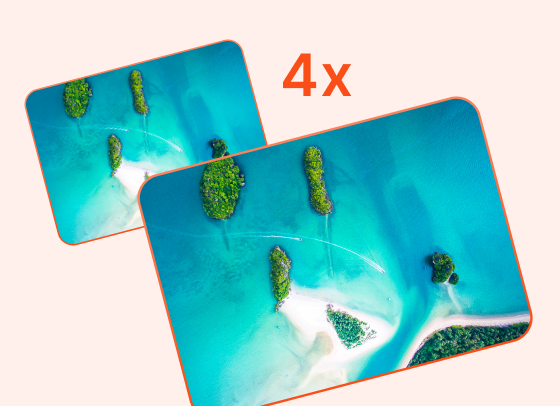
AI Image Enhancer
Enhance image resolution up to 2x, 4x without pixelation.
Try Now
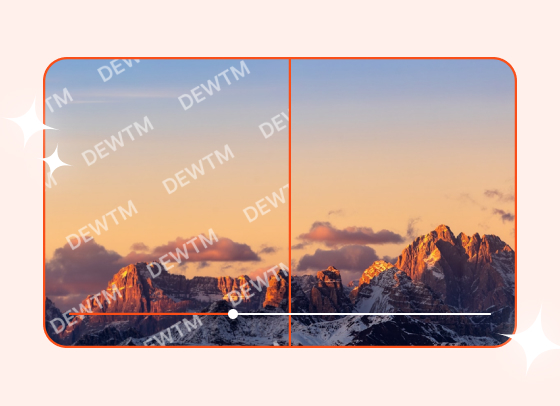
Video Watermark Remover
Automatically remove logos and text from videos.
Try Now
Image Watermark Remover
Remove watermarks from photos and images with precision.
Try Now

Magic Text Remover
Remove text and dates from images with precision.
Try Now
Frequently Asked Questions
Common questions about PDF watermark remover
Upload your PDF to DeWatermark and click 'Get 1st Page' — the watermark is removed from the first page at no cost. No login or credits required for the preview. To remove watermarks from all pages, credits are required.
DeWatermark is an AI PDF watermark remover that preserves the original PDF layout, fonts, and resolution after removal — unlike tools that convert pages to images and lose text quality. It supports both foreground and background watermark layers and offers a free first-page preview before charging.
No. DeWatermark preserves the original PDF resolution, fonts, margins, and image placements after watermark removal. Text remains selectable and searchable. The output PDF is print-ready with no quality loss.
DeWatermark removes text watermarks such as DRAFT, CONFIDENTIAL, and SAMPLE, logo stamps, diagonal overlay patterns, transparent background watermarks, and foreground layer stamps. It works on both foreground and background watermark layers.
The first page of any PDF is processed free with no credits required. To remove watermarks from all pages, credits are needed. Credits are shared across image, video, and PDF watermark removal under one plan.
Learn More About PDF Watermark Removal
Guides and resources on removing watermarks from PDF documents effectively.