Drop video anywhere
Video Watermark Remover
Use this tool only with videos you own, created yourself, or are authorized to edit. You are responsible for ensuring watermark removal complies with copyright and other applicable laws.
Try image watermark remover
How to remove watermark from videos
1. Upload video with watermarks
Click 'Upload Video' or drag and drop video to the upload field on Dewatermark' webite interface
2. Preview the result
After video has been uploaded, click “Get 5s Preview” to see a short preview of the video after removing watermarks.
3. Remove video watermarks automatically with AI
If you're satisfied with the preview, click “Get Full HD Video” to remove watermarks from the entire video automatically. (Requires credits)
4. Download watermark-free video
Once completed, you can choose among multiple video qualities options to download. Save directly to your device




Get video watermark remover app
Dewatermark.AI app is available on Apple Store & Google Play Store. Our app has been used by users in over 50 countries.


Remove all types of watermarks from videos
Erase text watermarks from video
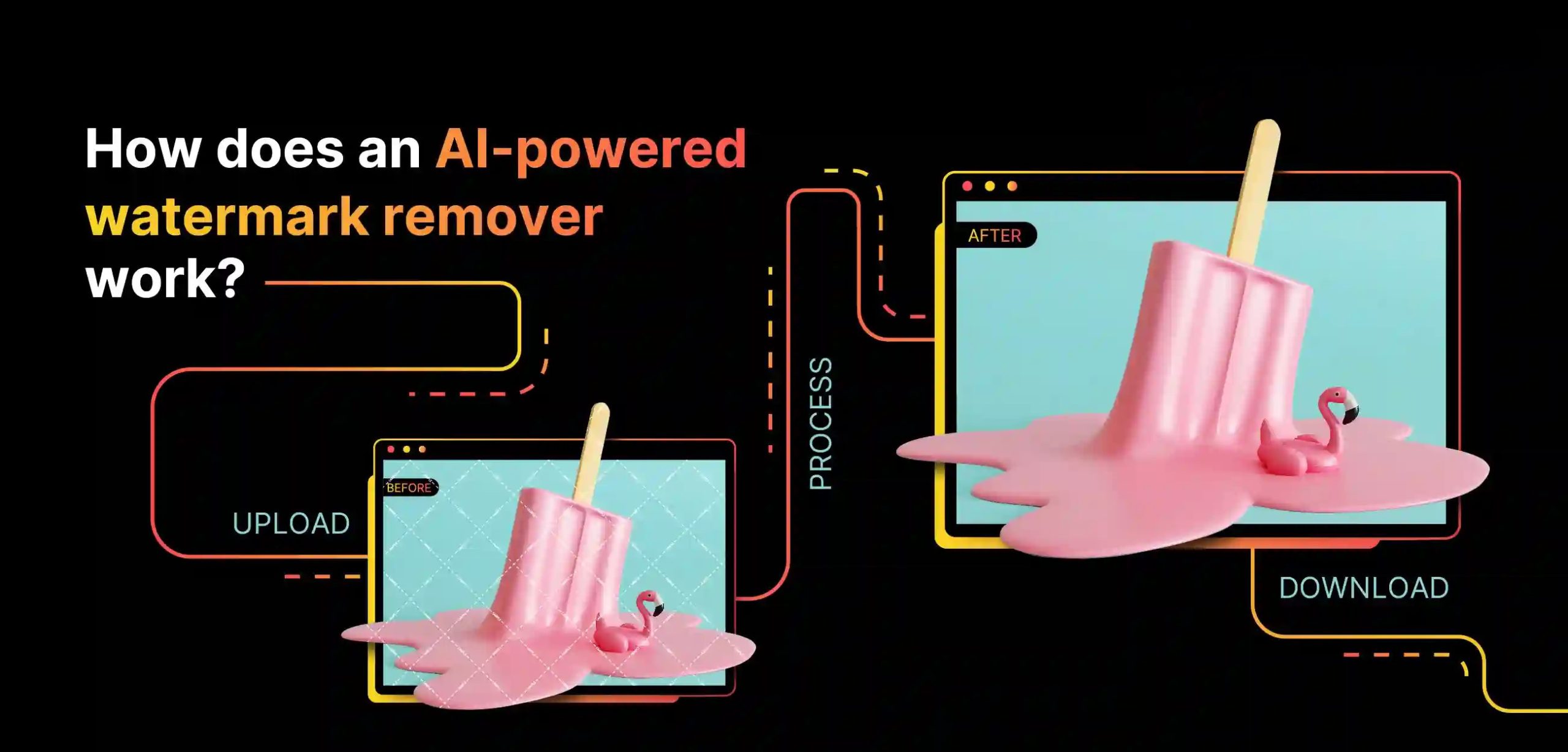
Text watermarks are words, channel names, creator names or copyright notices printed across video frames. They are usually semi-transparent and centered or in a corner. DeWatermark detects and removes the text overlay cleanly, leaving the background footage intact. Clean footage is ready to repurpose for presentations, social posts, or client deliverables without visible branding.
Remove logo from videos
Logo watermarks are brand icons or channel marks fixed in a corner of the frame. This is the most common type of downloaded or exported from social media platforms and video editing tools such as CapCut or InShot. DeWatermark's AI model is specifically trained on logo watermarks. It removes the logo, restores the corner area to match the surrounding background. Instead of cropping out the logo, you have a full frame video without third-party branding visible for reposting and embedding.
Remove timestamps from videos
Timestamps are date and time overlays embedded by cameras and dashcams into the bottom corner of footage. DeWatermark removes the timestamp text and fills the corner naturally, leaving cleaner footage for sharing, archiving, or using in video projects where the date stamp is distracting.
Remove full-frame watermarks from videos
Full-frame watermarks spread text or repeated patterns across the entire video frame. They are the most aggressive form of watermark protection. DeWatermark's AI, trained on thousands of watermark patterns, identifies the overlay layer even when it covers fine details and restores the footage beneath, delivers the original scene clean and ready to use.
Remove transparent watermarks from videos
Transparent watermarks overlay footage at low opacity — nearly invisible but noticeable on large screens or after color grading. Common in preview exports from stock video platforms. DeWatermark detects the faint pattern across frames and removes it, making the footage usable for production without visible overlay degrading the image.
Why Dewatermark is the best video watermark remover
Experience cleaner, faster, and more accurate video watermark removal powered by AI.
Accurate video watermarks detection
DeWatermark's CNN (Convolutional Neural Network) model scans each video frame independently to identify watermark regions — text overlays, logos, and transparent stamps. Detection applies to every frame in sequence, including frames where the watermark position shifts between cuts. Processing is fully automatic with no manual input required.
Natural background restoration with GAN model
GAN plays an important role in DeWatermark's AI model to perfect the background after watermark removal. Using video inpainting, the model fills removed areas with surrounding color, texture, and motion data, ensuring the restored background looks natural across every frame. DeWatermark continuously trains new models to improve output quality.
Preview 5 Seconds Before Paying
DeWatermark generates a free 5-second preview of the watermark-removed video before any credits are charged. Review the quality of the result on the first 5 seconds of your video then decide whether to process the full clip. No other video watermark remover offers this feature.
Download in HD, Audio Track Preserved
DeWatermark exports watermark-free videos in MP4 format at the original resolution. The downloading process is fast and safe. The audio track is preserved exactly as recorded. We always suggest downloading with the highest quality available.
Users Feedback for DeWatermark Video Watermark Remover
Discover More Powerful AI Tools On Dewatermark
Our comprehensive ecosystem of image and video editing tools.
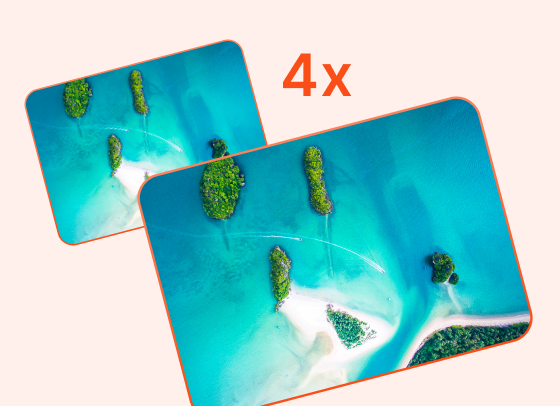
AI Image Enhancer
Enhance image resolution up to 2x, 4x without pixelation.
Try Now

PDF Watermark Remover
Quickly remove watermarks from PDF documents.
Try Now
Image Watermark Remover
Remove watermarks from images with precision.
Try Now

Magic Text Remover
Remove text and dates from images with precision.
Try Now
Frequently Asked Questions
Common questions about removing watermarks from videos
Upload your video to DeWatermark and click 'Get 5s Preview' — the first 5 seconds are processed and previewed at no cost. To remove the watermark from the full video, 4-10 credits are required. Free users receive 3 video previews per day with no login required.
DeWatermark accepts MP4 and MOV video files up to 3 minutes in length. Output videos are exported in MP4 format. The original audio track is preserved in the output file.
DeWatermark typically processes a video in 10 to 15 seconds. Processing time depends on video length, resolution, and watermark complexity. The CNN and GAN models process each frame in sequence.
No, removing watermark from video is the premium feature. You need to pay to download the full video. However, we offer a preview before you decide to pay.
DeWatermark works best on static watermarks fixed in a consistent position. Watermarks that shift slightly between cuts can still be detected, but highly animated or rapidly moving overlays may produce less consistent results
Yes. The CNN model detects faint, transparent, and semi-transparent overlay patterns across frames. The GAN model then reconstructs the background beneath — removing the overlay without leaving visible artifacts.
Batch video processing is not available yet. DeWatermark processes one video at a time. For batch watermark removal across multiple files, use the batch image watermark remover which supports up to 50 images simultaneously.
Previewing 5 seconds is free. Processing the full video costs 10 credits. Credits are shared across image and video watermark removal — one credit plan covers both tools.